
%22%2F%3E%3Cpath%20stroke%3D%22%23fff%22%20stroke-width%3D%2210%22%20d%3D%22M30%200v30M0%2015h60%22%2F%3E%3Cpath%20stroke%3D%22%23C8102E%22%20stroke-width%3D%226%22%20d%3D%22M30%200v30M0%2015h60%22%2F%3E%3C%2Fsvg%3E)
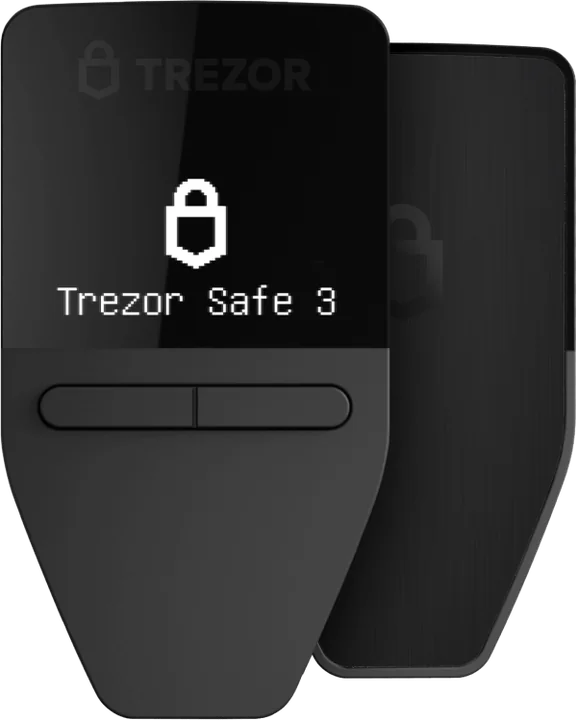
Trezor Safe 3
For a first hardware wallet on a tight budget.
- EAL6+ secure element
- Small monochrome screen, two buttons
- USB-C connection
- Open-source firmware
€59at Trezor’s shop
Order the Safe 3 (opens in a new tab)Trezor · the app
Trezor Suite is where you see your balance, send and receive, buy, swap and stake. It runs on your computer, in a browser and on your phone. Your keys, meanwhile, never leave the Trezor.
By the PlatformCrypto.eu editorial team · checked on
In short
Suite is free and works with every Trezor. On a computer and on Android you can do everything with any model. On an iPhone, full use (sending, signing, trading) needs the Bluetooth Safe 7; with other models an iPhone can track, buy and receive.
What it does
Suite shows your accounts and balances, builds transactions and sends them to your Trezor for approval. It also checks that your device is genuine and installs firmware updates, which makes it the safest place to set up a new Trezor.
Beyond sending and receiving, Suite lets you buy, sell and swap through outside providers (they set the price and check your identity) and stake ETH, ADA and SOL while your keys stay on the device.
Mobile app
Yes, Trezor has a mobile app: Trezor Suite for Android and iPhone. How much it can do depends on your Trezor and your phone.
| Model | Android | iPhone |
|---|---|---|
| Safe 3 and Safe 5 | Advantage: Everything, over a USB-C cable | Drawback: Track, buy and receive only |
| Model One and Model T | Advantage: Everything, over a cable | Drawback: Track, buy and receive only |
| Safe 7 | Advantage: Everything, also over Bluetooth | Advantage: Everything, over Bluetooth |
Source: Trezor’s Trezor Suite page. The old watch-only mobile app, Suite Lite, has been replaced by Trezor Suite on mobile.
Download safely
Fake Trezor apps and lookalike websites are a favourite trick of scammers: they ask for your recovery phrase and empty your wallet. Download Suite only via trezor.io/start or the official app stores, and type the address yourself instead of clicking links in emails.
Suite never asks for your recovery phrase except while restoring a wallet on the device itself. Any app, website or email that wants your words on a screen is a scam.
First steps
From trezor.io/start on your computer, or the app store on your phone.
Suite checks it is genuine and installs the latest firmware.
Write down the recovery phrase shown on the Trezor and set a PIN on the device.
Enable the coins you hold, press Receive and verify the address on your Trezor before withdrawing from your exchange.
Devices
Every model works with Suite on a computer and on Android. Want full use on an iPhone? Choose the Safe 7.
For a first hardware wallet on a tight budget.
€59at Trezor’s shop
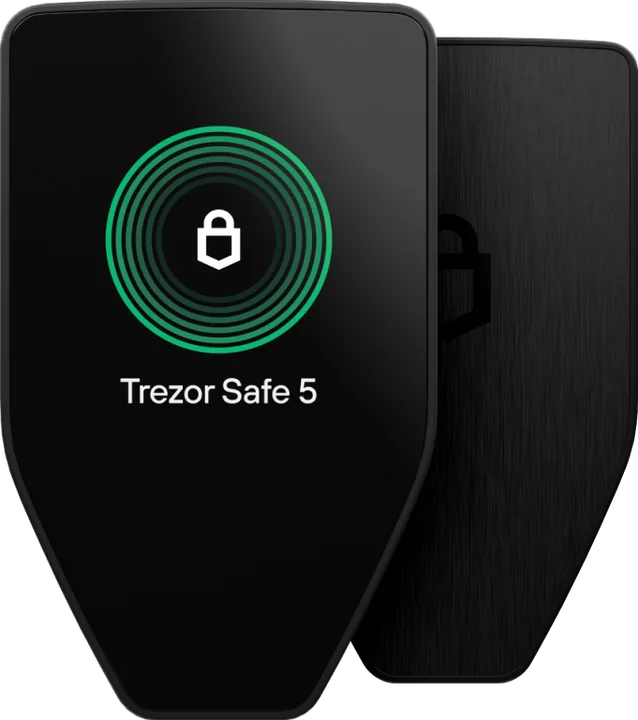
Order the Safe 3 (opens in a new tab)For approving transactions with a tap on a colour screen.
€129at Trezor’s shop
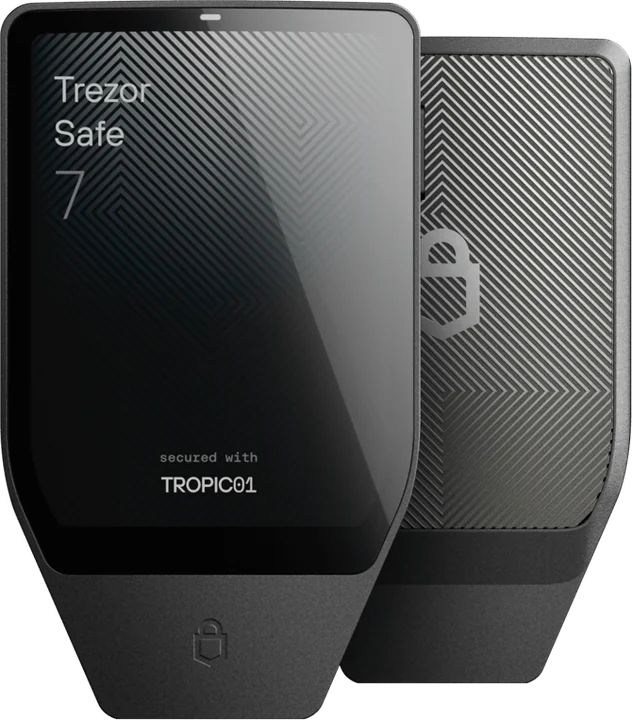
Order the Safe 5 (opens in a new tab)For anyone who wants full Trezor Suite on an iPhone.
€249at Trezor’s shop
Order the Safe 7 (opens in a new tab)Euro prices in Trezor’s official shop, checked on 26 October 2026. Your basket shows the current total, including delivery.
Order a Trezor from the official shop and set it up in Suite in a few minutes.
Trezor Safe 3
€59
Trezor Safe 5
€129
Trezor Safe 7
€249
Yes. Trezor Suite is available for Android and iPhone. On Android every Trezor works fully over a cable. On an iPhone full use needs the Bluetooth Safe 7; other models can track, buy and receive.
Yes. Suite costs nothing. When you buy, sell or swap inside it, the outside provider sets its own price, and sending always costs the blockchain’s network fee.
Yes. Trezor lists more than 30 wallet apps that work with its devices, such as MetaMask, Rabby, Electrum and Sparrow. The key stays on the Trezor in every case.
Yes, Suite supports staking ETH, ADA and SOL. Rewards and terms come from the staking provider, and your keys stay on the device.
Trezor’s settings guide lists English, German, French, Spanish, Italian, Czech, Brazilian Portuguese and Turkish, plus community translations.
Keep reading
Bluetooth, a big screen and full use on your iPhone.
How a hardware wallet protects your crypto, and what it costs.
Colour touchscreen with haptics: Trezor’s mid-range model.
Where your bitcoin should live, from app to Bitcoin-only Trezor.
Off sale: how long they get updates and what replaces them.
Our verdict on Trezor: security record, coins and prices.