
%22%2F%3E%3Cpath%20stroke%3D%22%23fff%22%20stroke-width%3D%2210%22%20d%3D%22M30%200v30M0%2015h60%22%2F%3E%3Cpath%20stroke%3D%22%23C8102E%22%20stroke-width%3D%226%22%20d%3D%22M30%200v30M0%2015h60%22%2F%3E%3C%2Fsvg%3E)
You hold more than bitcoin
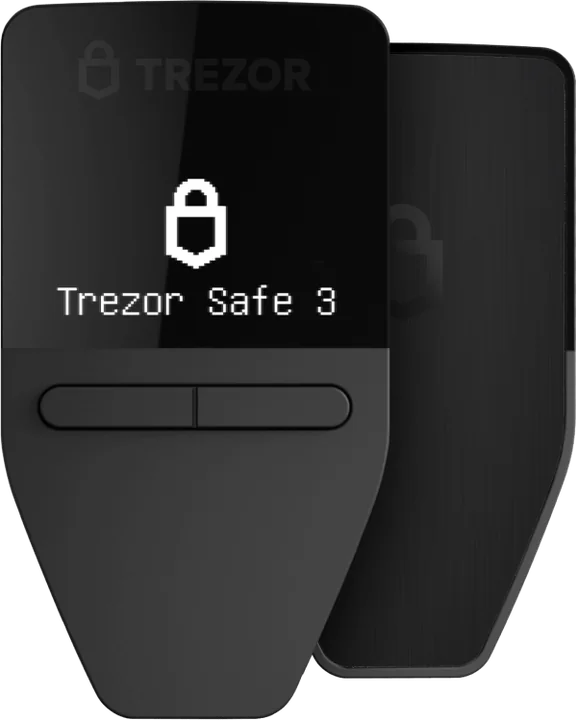
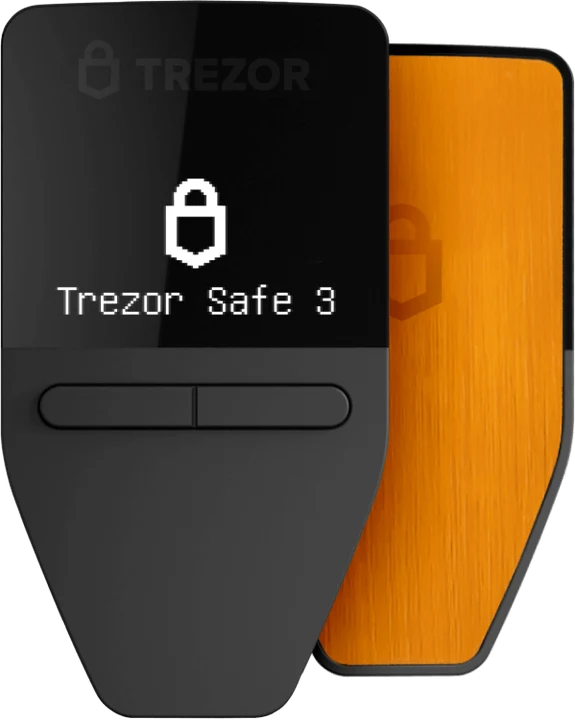
Trezor Safe 3
Bitcoin, Ethereum, Solana, XRP, Cardano and thousands of tokens in one app. Polkadot, Sui, NEAR and Hedera are not supported.
Trezor · entry model
The least expensive Trezor still carries a certified secure element. You approve every transaction with two physical buttons, and your keys never leave the device.
€59 in Trezor’s official shop
By the PlatformCrypto.eu editorial team · checked on
Verdict
Anyone moving crypto off an exchange who does not want to spend much. It shares the secure chip and the Trezor Suite app with the pricier models. What you give up is a touchscreen and full use on an iPhone; for those, look at the Safe 5 or Safe 7.
Security
When it launched in October 2023, the Safe 3 became the first Trezor to include a secure element, a chip designed to keep secrets safe even when someone has the device on their desk and tries to read it out. Its certification level is EAL6+.
Trezor pairs that chip with open code: the firmware is published on GitHub, so independent researchers can audit exactly what the device does. The older Model One had no such chip, and Trezor names the Safe 3 as its successor.
Specifications
Figures from Trezor’s product page, checked on 26 October 2026.
| Feature | Trezor Safe 3 (opens in a new tab) |
|---|---|
| Price | €59 in Trezor’s shop |
| Display | 0.96″ monochrome OLED, 128 × 64 pixels |
| Controls | Two physical buttons |
| Connection | USB-C, no Bluetooth |
| Secure element | Advantage: Yes, EAL6+ |
| Backup | 12, 20 or 24 words, or Multi-share Backup |
| Size and weight | 59 × 32 × 7.4 mm, 14 g |
| Build | PMMA plastic with an anodised aluminium back plate |
| Colours | Cosmic Black, Solar Gold, Stellar Silver, Galactic Rose |
| In the box | USB-C cable, two backup cards, start-up guide, stickers |
In use
You manage your coins in the free Trezor Suite app on a computer or an Android phone. When you send, Suite prepares the transaction and the Safe 3 shows the address and amount on its own little screen. Nothing is signed until you press the button.
That is why malware gets so little purchase: it can swap an address on your clipboard, but it cannot change what the Trezor displays. Always compare the address on the device with the one you meant to use.
Compare
All three share the secure element, open firmware and app. They differ in screen, controls and connectivity.
| Model | This pageSafe 3 (opens in a new tab) | 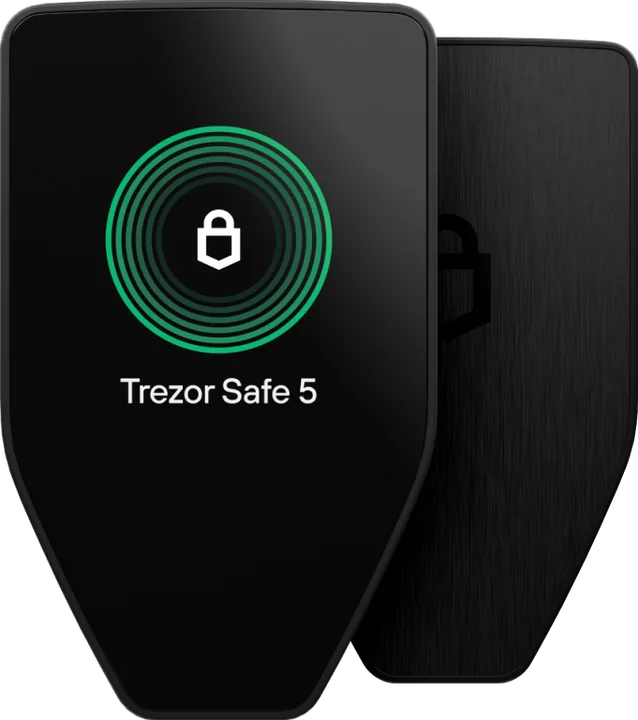 Safe 5 Safe 5 | 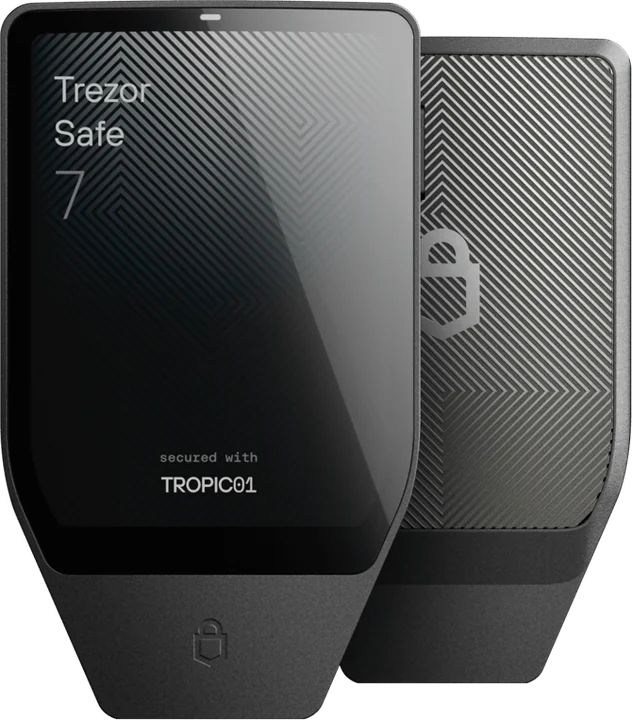 Safe 7 Safe 7 |
|---|---|---|---|
| Price | €59 | €129 | €249 |
| Display | 0.96″ monochrome | 1.54″ colour touchscreen | 2.5″ colour touchscreen |
| Confirming | Two buttons | Tap, with haptics | Tap, with haptics |
| Full use on iPhone | Drawback: No | Drawback: No | Advantage: Yes, over Bluetooth |
| Full use on Android | Advantage: Yes, via USB | Advantage: Yes, via USB | Advantage: Yes |
| Casing | Plastic | Plastic, Gorilla Glass 3 | Aluminium, Gorilla Glass 3 |
Prices in Trezor’s shop, checked on 26 October 2026. Trezor’s terms say VAT may be added at checkout, so go by your basket total.
Backup
During setup the Safe 3 shows your recovery phrase, 20 words by default, which you write on the cards in the box. Lose or break the device and those words restore everything onto a new Trezor. Treat them like the combination to a safe: whoever holds them holds your crypto.
So never photograph them, store them in the cloud or type them anywhere. For larger sums, stamp them into steel with the Trezor Keep Metal (opens in a new tab), or split them with Multi-share Backup so that a single found card is worthless on its own.
Two editions
The Safe 3 also comes with Bitcoin-only firmware, at the same price.
You hold more than bitcoin
Bitcoin, Ethereum, Solana, XRP, Cardano and thousands of tokens in one app. Polkadot, Sui, NEAR and Hedera are not supported.
You only hold bitcoin
Firmware that knows only bitcoin: less code, less that can go wrong. More in our bitcoin wallet guide.
Rival
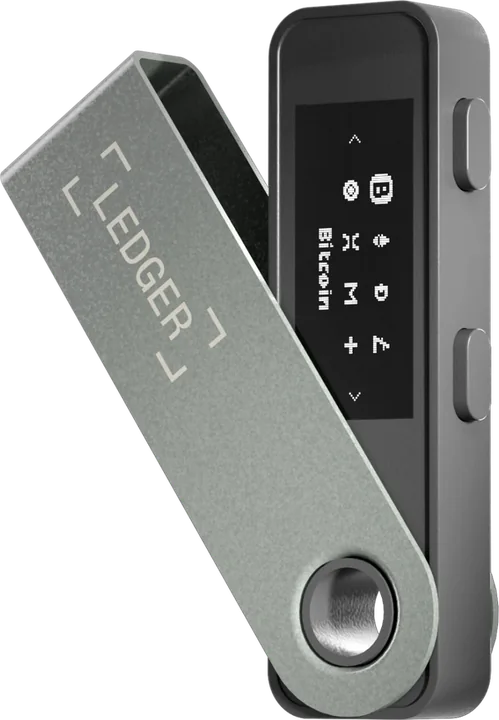
Both cost €59 and both have a small screen with two buttons. Where they part ways is philosophy; the full story is in Trezor vs Ledger.
€59 · USB-C
€59 · USB
Getting started
That way the device arrives new and untouched. Never buy one second-hand or “already set up”.
Get the app from trezor.io/start. It checks that your Trezor is genuine and installs the firmware.
On paper or steel, never digitally. Then choose a PIN, which you enter on the device.
Buy on a licensed exchange, press Receive in Suite, verify the address on the Trezor and send a small test amount first.
Order straight from Trezor so the device arrives sealed and unused. Prefer a touchscreen? The Safe 5 and Safe 7 sit alongside.
Trezor Safe 3
€59
Trezor Safe 5
€129
Trezor Safe 7
€249
For most people, yes. It uses the same class of certified secure element as the pricier models, and keys stay on the device. Ledger’s Donjon lab bypassed some of its anti-tampering checks in 2025, which requires physical access to the device, so buy only from Trezor or an authorised reseller.
Only partly. Trezor Suite on an iPhone lets you track your balance, buy and receive, but not send. On Android everything works over a USB-C cable. To do it all from an iPhone you need the Bluetooth Safe 7.
The Safe 5 adds a 1.54-inch colour touchscreen under Gorilla Glass and haptic feedback, and is the successor to the Model T. Both have an EAL6+ secure element, open firmware and the same app, and neither works fully with an iPhone.
Yes. Trezor Suite supports staking ETH, ADA and SOL while the keys stay on the Safe 3. Rewards and terms are set by the staking service, not by Trezor.
There is no battery to wear out. Trezor’s shop gives a two-year warranty, and if the device ever fails, your recovery phrase restores everything onto a new one.
Keep reading
Colour touchscreen with haptics: Trezor’s mid-range model.
Open source against wider coin support: the two big brands compared.
Our pick for every need: beginner, iPhone or bitcoin only.
What cold storage is and why offline keys are safer.
Where your bitcoin should live, from app to Bitcoin-only Trezor.
Our verdict on Trezor: security record, coins and prices.