
%22%2F%3E%3Cpath%20stroke%3D%22%23fff%22%20stroke-width%3D%2210%22%20d%3D%22M30%200v30M0%2015h60%22%2F%3E%3Cpath%20stroke%3D%22%23C8102E%22%20stroke-width%3D%226%22%20d%3D%22M30%200v30M0%2015h60%22%2F%3E%3C%2Fsvg%3E)
For all your crypto
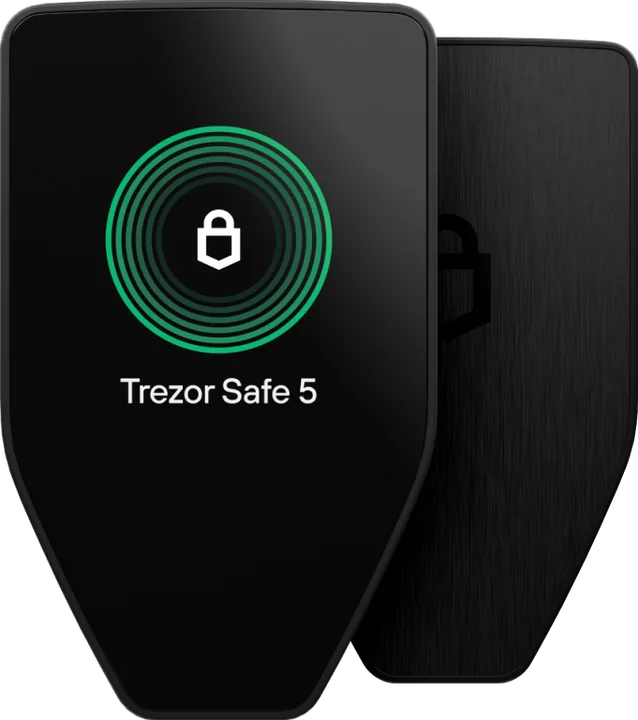
Trezor Safe 5
Bitcoin, Ethereum, Solana, Cardano, XRP and tokens in one app, with ETH, ADA and SOL staking from Trezor Suite.
Trezor · mid-range
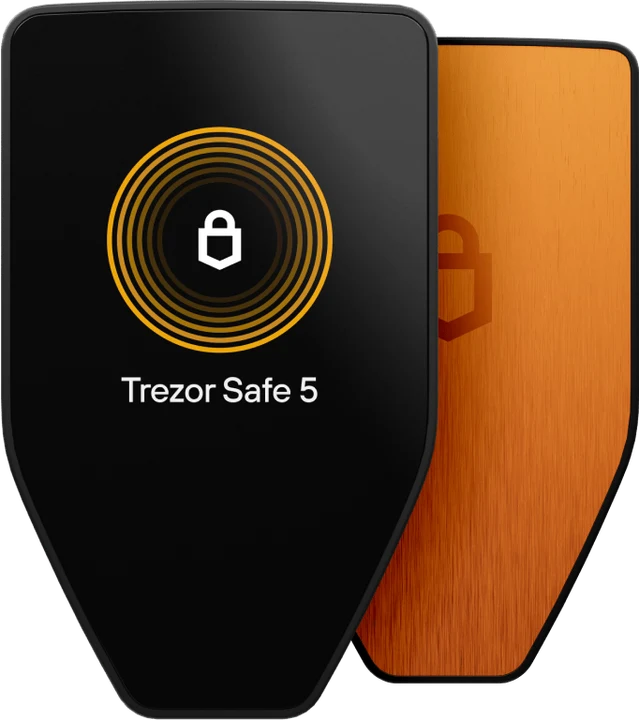
A sharp colour touchscreen under Gorilla Glass, a haptic pulse on every confirmation, and the same certified chip as the rest of the Safe range. Built for people who use their crypto, not just store it.
€129 in Trezor’s official shop
By the PlatformCrypto.eu editorial team · checked on
Verdict
You read addresses and amounts on a colour display rather than a tiny monochrome one, and you approve with a tap. That makes careful checking easier, especially with long addresses. The only thing missing is Bluetooth: for full iPhone use there is the Safe 7.
Display
The Safe 5 has a 1.54-inch colour touchscreen behind Gorilla Glass 3. A full address fits in one view, and you confirm with a tap on the glass. Each tap triggers a short pulse from the Trezor Touch haptic engine, so you feel the approval register.
It sounds like a luxury, but it serves the one job a hardware wallet must do well: letting you check that the address on the device matches the one you intend to pay. A bigger, sharper screen makes that check quicker and more thorough.
Security
Like its sibling, the Safe 5 keeps its secrets in an EAL6+ secure element, and its firmware is open source. Part of an attack Ledger’s lab carried out on the Safe 3 in 2025 does not work on the newer chip in the Safe 5, according to Trezor.
It also has a microSD slot and a tamper-evident casing, and Trezor Suite verifies the device is genuine each time you connect it.
Compare
Same chip family and same app. The choice comes down to screen and connectivity.
| Model | 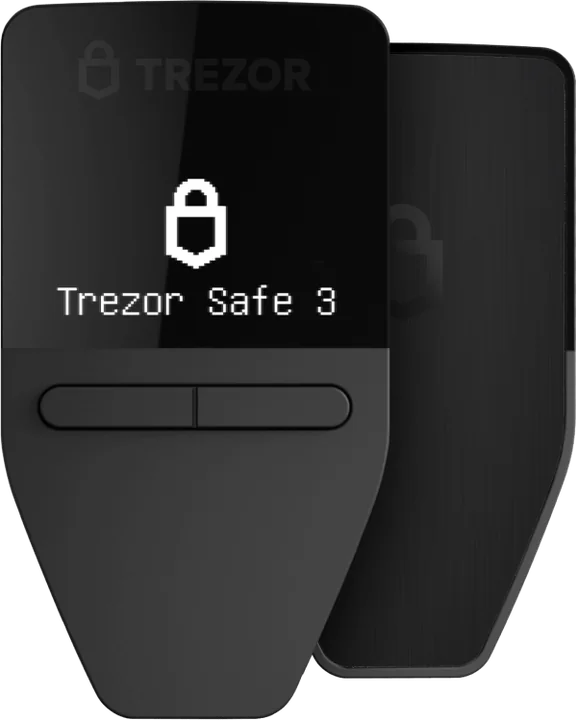 Safe 3 Safe 3 | This pageSafe 5 (opens in a new tab) | 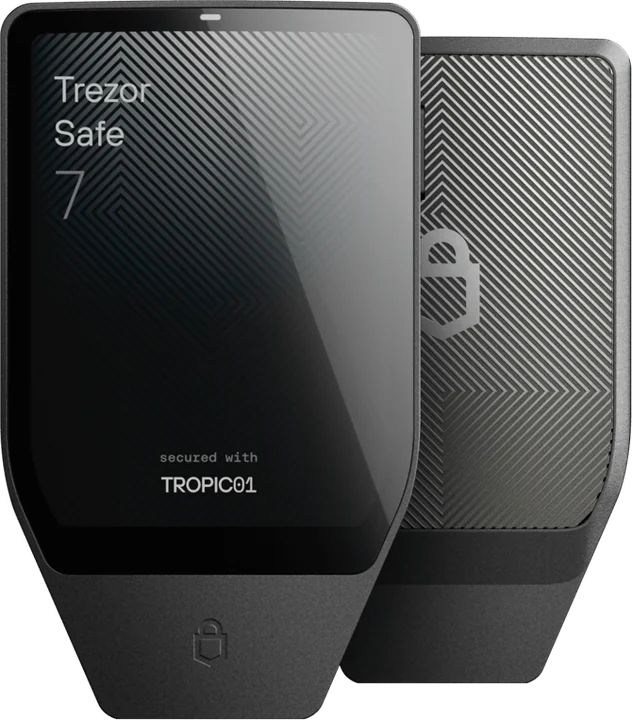 Safe 7 Safe 7 |
|---|---|---|---|
| Price | €59 | €129 | €249 |
| Display | 0.96″ monochrome | 1.54″ colour, touch | 2.5″ colour, touch |
| Haptic feedback | Drawback: No | Advantage: Yes | Advantage: Yes |
| Glass | None | Advantage: Gorilla Glass 3 | Advantage: Gorilla Glass 3 |
| Bluetooth and iPhone | Drawback: No | Drawback: No | Advantage: Yes |
| Battery | Not needed | Not needed | Yes, wireless charging |
| Weight | 14 g | 23 g | 45 g |
Prices in Trezor’s shop, checked on 26 October 2026; your basket total is what counts.
Editions
The standard Safe 5 handles thousands of coins; the Bitcoin-only edition handles just one, for the same price. A ten-euro bumper protects the glass.
For all your crypto
Bitcoin, Ethereum, Solana, Cardano, XRP and tokens in one app, with ETH, ADA and SOL staking from Trezor Suite.
Bitcoin only
Firmware with nothing but bitcoin, for long-term holders. See our bitcoin wallet guide.
Rival
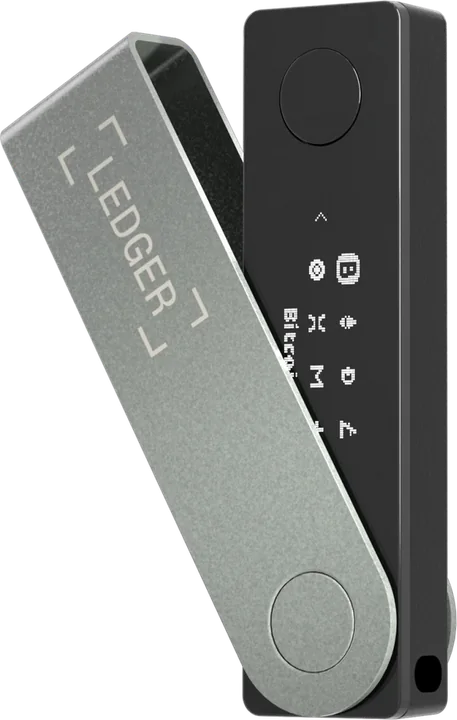
The Nano X is Ledger’s best-known Bluetooth model. The Safe 5 opts for a bigger screen and open code instead. The wider picture is in Trezor vs Ledger.
€129 · USB-C
€99 · Bluetooth and USB-C
Backup
The Safe 5 creates a 20-word recovery phrase (12 or 24 also work) or a Multi-share Backup, which splits recovery into several shares so you can keep them in different places without any single one being enough.
Paper burns and soaks. The Trezor Keep Metal (opens in a new tab) is a stainless-steel tube that holds your words through fire and flood. More ways to protect your backup are in our cold wallet guide.
Getting started
From Trezor it arrives sealed and unused, with a USB-C cable, two backup cards and a start-up guide.
On a computer or Android phone. Suite confirms the device is genuine and installs the latest firmware.
Write down the words on screen and set a PIN. Never type the words into a computer or phone.
Press Receive, verify the address on the Safe 5 and withdraw a small amount from your exchange first.
Straight from the official shop, sealed. Still weighing up screen size or Bluetooth? The Safe 3 and Safe 7 are right here.
Trezor Safe 3
€59
Trezor Safe 5
€129
Trezor Safe 7
€249
If you transact regularly, yes. The touchscreen is bigger and in colour, which makes checking addresses easier, and the glass and haptics make approving more pleasant. Security is comparable, with an EAL6+ chip in both. The difference is €129 against €59.
Partly. Trezor Suite on an iPhone lets you track balances, buy and receive. Sending and signing with the Safe 5 needs a computer or an Android phone. Only the Safe 7 works fully with an iPhone, over Bluetooth.
The Safe 7 has a bigger 2.5-inch screen, an aluminium body, Bluetooth, a battery with wireless charging and three security chips, so it also works fully with an iPhone. The Safe 5 is lighter, needs no battery and costs less.
No. It draws power through the USB-C cable from your computer or phone, so there is no battery to degrade over the years.
Yes. Trezor names the Safe 5 as the Model T’s successor; the Model T has not been sold in Trezor’s shop since 8 January 2026. Unlike the Model T, the Safe 5 has a secure element.
Keep reading
Bluetooth, a big screen and full use on your iPhone.
The cheapest Trezor with a secure element: specs and who it suits.
Open source against wider coin support: the two big brands compared.
Our pick for every need: beginner, iPhone or bitcoin only.
Off sale: how long they get updates and what replaces them.
Our verdict on Trezor: security record, coins and prices.