
%22%2F%3E%3Cpath%20stroke%3D%22%23fff%22%20stroke-width%3D%2210%22%20d%3D%22M30%200v30M0%2015h60%22%2F%3E%3Cpath%20stroke%3D%22%23C8102E%22%20stroke-width%3D%226%22%20d%3D%22M30%200v30M0%2015h60%22%2F%3E%3C%2Fsvg%3E)
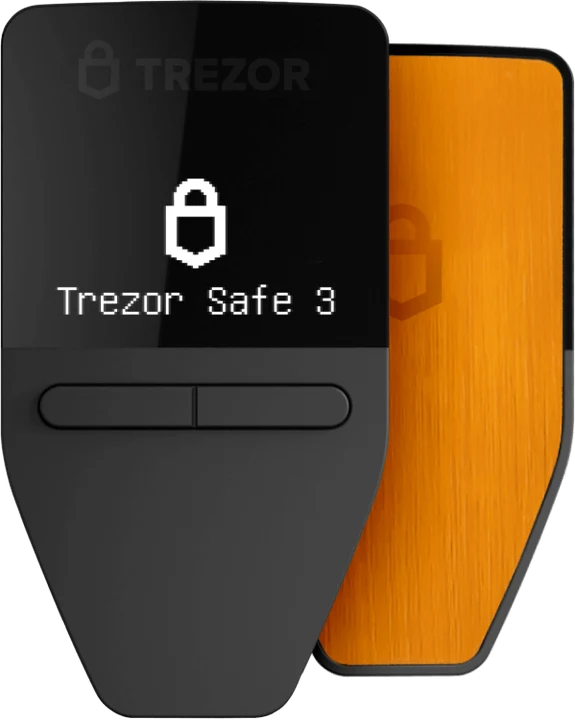
Entry
Safe 3 Bitcoin-only
Two buttons, an EAL6+ secure element and nothing but bitcoin.
Guide · holding your own bitcoin
Setting up a bitcoin wallet takes minutes. The real question is where your key ends up: with an exchange, in an app on your phone, or on a hardware wallet. For bitcoin you mean to keep, the answer is simple.
Bitcoin-only Trezor from €59
By the PlatformCrypto.eu editorial team · checked on
Short answer
For pocket money, an app will do. For bitcoin you plan to hold for years, a hardware wallet is the safest place, and a Bitcoin-only Trezor is safer still: its firmware contains nothing but bitcoin, so there is less code to go wrong. It costs the same as the standard edition.
What is it?
Your bitcoin sits on the blockchain, not in your wallet. A bitcoin wallet holds the key that proves the coins are yours and generates addresses to receive with. Whoever has the key can spend the bitcoin.
So choosing a wallet really comes down to one question: who holds the key, and how well is it protected? On an exchange, the exchange does. In an app, you do, on your phone. On a hardware wallet, you do, offline.
Types
| Topic | Exchange | App (hot wallet) | SafestHardware wallet |
|---|---|---|---|
| Who holds the key? | Drawback: The exchange | You, on your phone | Advantage: You, offline |
| Setting up | Account with ID check | Advantage: Install an app | Set up the device in Trezor Suite |
| Cost | None | Free | From €59, one-off |
| Main risk | Drawback: Exchange hack or collapse | Drawback: Malware or a lost phone | Advantage: Only your recovery phrase must stay safe |
| Best for | Buying and selling | Small sums, payments | Holding for the long run |
You buy bitcoin on an exchange; compare what each one gives you per euro on buy bitcoin.
Bitcoin-only
Same device, same price, just bitcoin in the firmware. You can also switch a standard Trezor to Bitcoin-only firmware later in Trezor Suite.
Entry
Two buttons, an EAL6+ secure element and nothing but bitcoin.
Touchscreen
Colour touchscreen with haptics, for anyone who likes addresses shown large.
Set-up
A hardware wallet for long-term holdings, an app for small amounts. Order a Trezor directly from Trezor.
The wallet shows 12, 20 or 24 words. Write them on paper or steel: they are the key to your bitcoin.
Trezor Suite gives you a new address for every payment, making your transactions harder to link.
Withdraw from your exchange, choose the Bitcoin network and send a small amount first.
For power users
Trezor Suite supports SegWit and Taproot, coin control and routing over Tor. If you prefer another bitcoin app, Trezor lists Sparrow, Electrum, Wasabi, Exodus, Specter, Green and Bitcoin Safe as compatible, with the key staying on the Trezor.
For an extra layer you can set a passphrase: an additional word on top of your recovery phrase that is never stored anywhere. Each passphrase opens a separate hidden wallet.
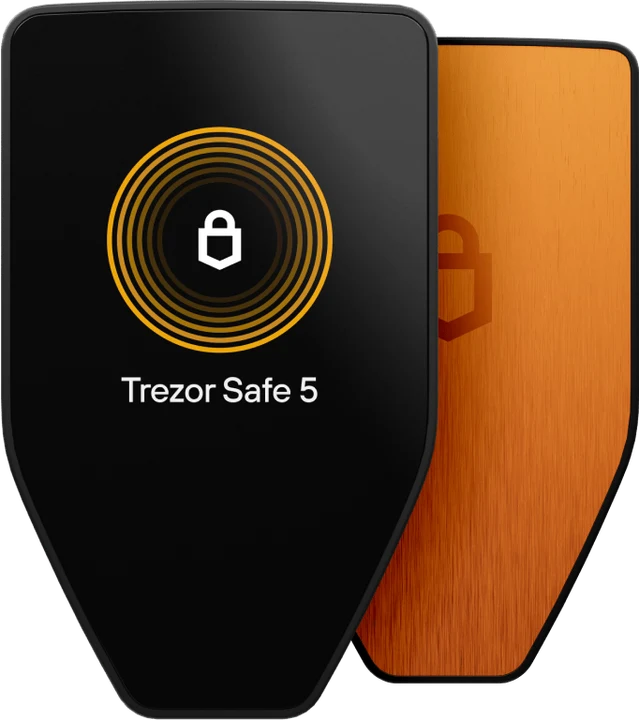
Order a Trezor straight from the maker. The Bitcoin-only editions cost the same as the standard models.
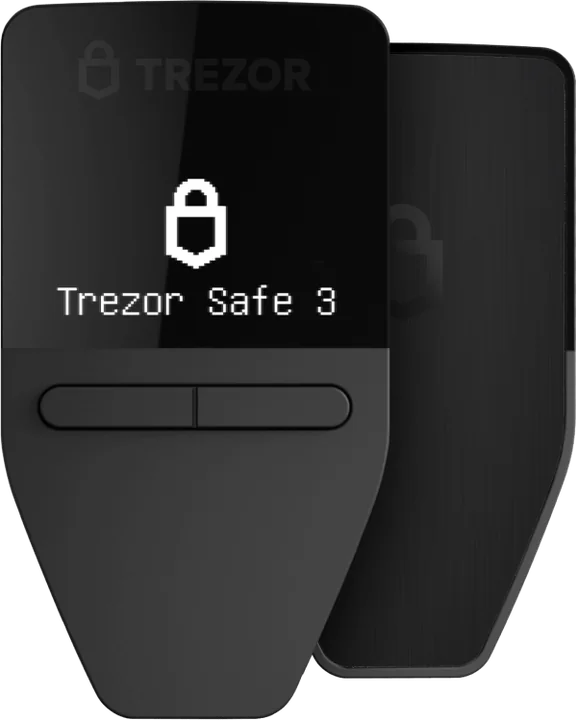
Trezor Safe 3
€59
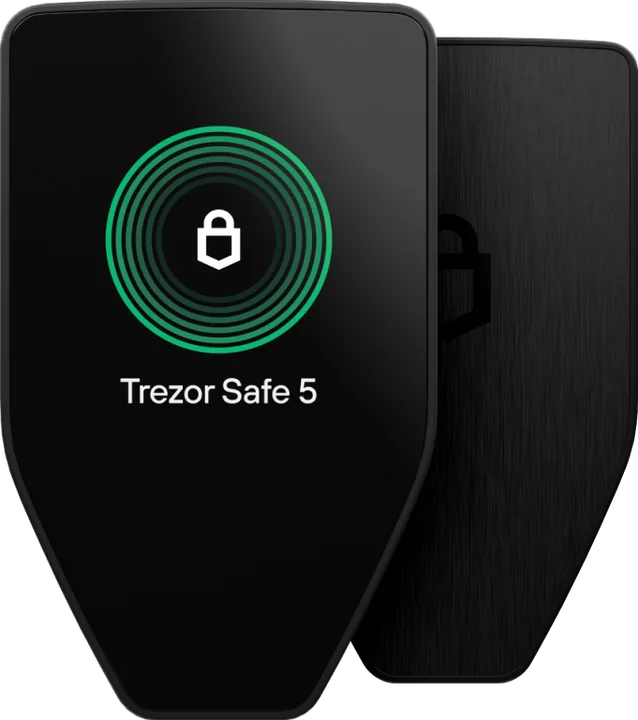
Trezor Safe 5
€129
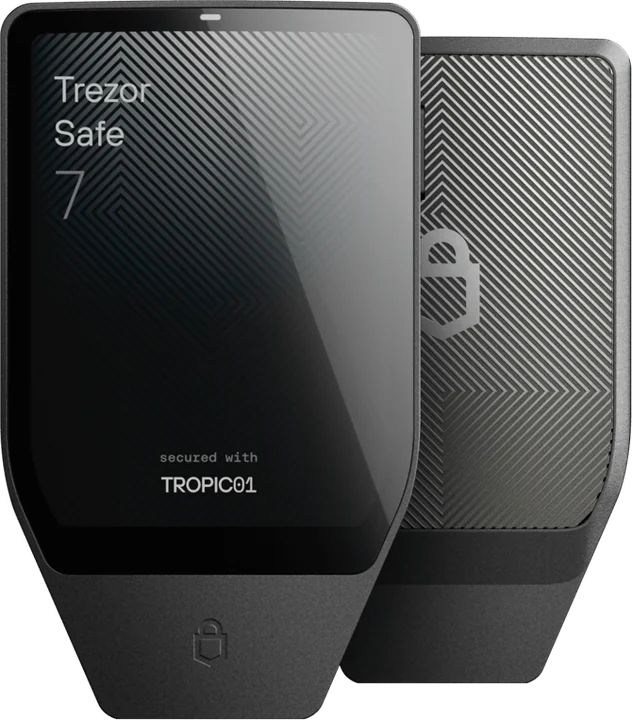
Trezor Safe 7
€249
Pick a wallet (an app or a hardware wallet such as a Trezor), write down the recovery phrase it shows, and generate a receive address. You can then receive bitcoin, for example by withdrawing from an exchange.
For bitcoin you plan to keep, a hardware wallet. A Bitcoin-only Trezor (€59) runs firmware with nothing but bitcoin and costs the same as the standard edition. For small amounts or payments an app is fine.
An app is free, and so is Trezor Suite. A hardware wallet is a one-off purchase. Every transaction pays bitcoin’s network fee, which depends on how busy the network is.
Trezor Suite creates a fresh address for each payment to protect your privacy. Old addresses keep working, though an exchange may ask you to verify each new one.
Yes. Choose Withdraw on the exchange, paste your wallet address and select the Bitcoin network. Above certain amounts the exchange will ask you to prove the wallet is yours.
Keep reading
What cold storage is and why offline keys are safer.
How a hardware wallet protects your crypto, and what it costs.
The cheapest Trezor with a secure element: specs and who it suits.
Our pick for every need: beginner, iPhone or bitcoin only.
The free Trezor app on desktop, Android and iPhone.
Our verdict on Trezor: security record, coins and prices.